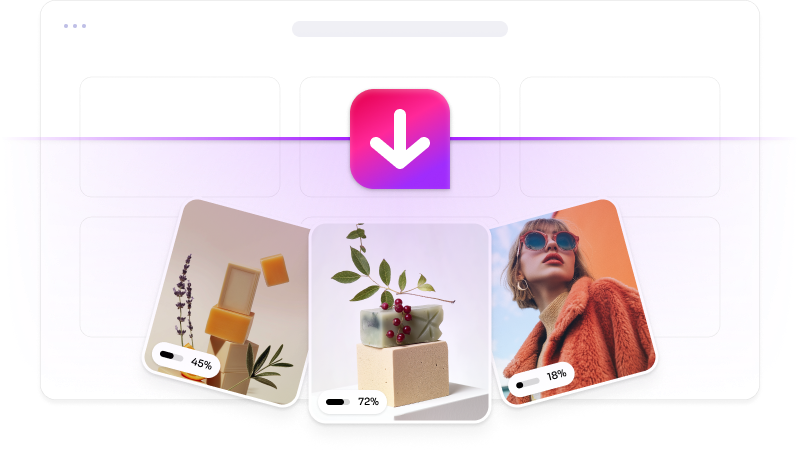

Main features included
Find, filter, convert, and download for free
 Add Imageye to Chrome
Find, filter, convert, and download for free

Private and secure

It will find images that others won’t

Works anywhere
Easily scrape and download images from any website, including popular platforms like Instagram, Facebook, Pinterest, Twitter, and more.
Add Imageye to Chrome
Choose and download the images you want by filtering with various options such as size, image type, and layout URL...
Add Imageye to ChromeEasily convert any image format, like WebP, JPEG, or PNG, into the one you need—back and forth, hassle-free.
Add Imageye to ChromePick the view that suits you best—Side Panel or Popup. Love Dark Mode? We've got you covered!
Add Imageye to ChromeAll the main Imageye features are free. Pro adds three extended tools for deeper, faster, and more visual image discovery.
Explore Imageye ProGo beyond the standard scan to uncover more images on complex pages.
Surface the most relevant images faster with smarter result filtering.
Browse and compare found images in a clean, visual gallery.
IMAGEYE has to be one of the greatest Chrome extensions ever created. I can download single, multiple, or all pictures on a webpage (filtered by file type, dimension size, or layout shape). It is so easy to use! I give FIVE STARS
As a content creator, Imageye has saved me countless hours. It pulls every image from a site in seconds and lets me choose exactly what I need.
I was skeptical at first, but this tool is incredible. Clean interface, works flawlessly, and makes collecting images from websites a breeze.
No more tedious right-click saving! Imageye does all the heavy lifting for me. It’s efficient, accurate, and an essential browser tool.
Imageye.net has become part of my daily workflow. Whether I’m researching or building mood boards, it helps me gather visuals super fast.
Imageye.net is a game-changer. I can now grab all the images I need from any webpage with just one click—super fast and insanely easy to use!